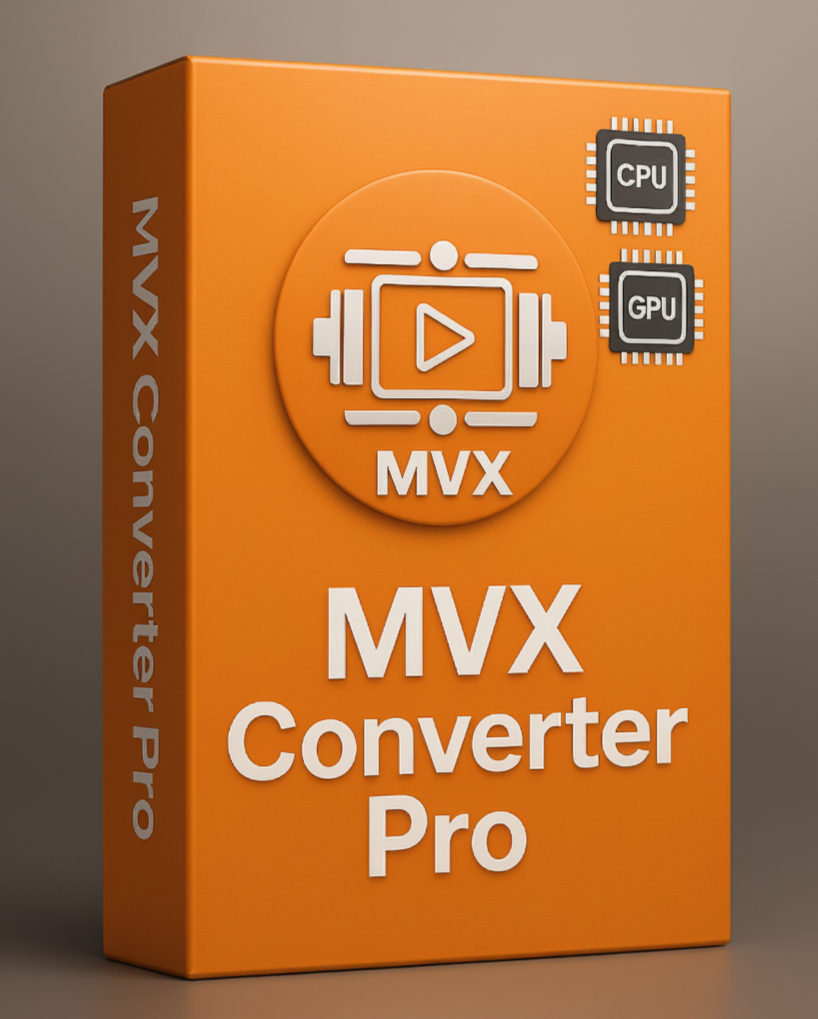
MVX Converter Pro
- MVX Converter Pro delivers powerful video encoding.
- Supports CPU (x264/x265), NVIDIA NVENC, Intel QSV, and AMD AMF.
- Auto Mode selects the best encoder for your system.
- Faster exports, smaller file sizes, and optimized quality.
- Perfect for professionals, streamers, and creators.
₹ 999.00 Original price was: ₹ 999.00.₹ 649.00Current price is: ₹ 649.00.
Payment Methods:
Description
🎥 MVX Converter Pro — Encoding Options
🖥️ CPU (x264 / x265)
🥇 Highest compression efficiency → smallest file sizes with excellent quality
🐢 Encoding is slower compared to GPU
Works on all systems, no special hardware required
Ideal for archiving, professional projects, and highest-quality outputs
🎮 NVIDIA NVENC
⚡ Very fast hardware-based encoding
🥈 Compression quality is close to CPU with the right presets (p7, HEVC)
Widely supported on modern NVIDIA GPUs
Excellent for streaming, content creation, and fast video exports
💻 Intel QSV (Quick Sync Video)
⚡ Fast and power-efficient, built into most Intel CPUs/iGPUs
📦 Good compression, balanced between file size and speed
Supports multiple codecs (H.264, HEVC, VP9, AV1 on newer chips)
Great choice for laptops, ultrabooks, and mobile editing workflows
🔴 AMD AMF (VCE / VCN)
⚡ Uses AMD GPU hardware for fast encoding
📦 Provides decent compression with quality mode settings
Available on Radeon GPUs and Ryzen APUs
Suitable for AMD systems where speed and efficiency are preferred
🤖 Auto Mode
MVX Converter Pro automatically selects the best available encoder:
-
NVIDIA GPU → NVENC
-
Intel iGPU → QSV
-
AMD GPU → AMF
-
No GPU → CPU (x264 / x265)
Ensures maximum compatibility and optimal performance without manual selection
🌈 Comparison Table (MVX Converter Pro)
| Encoder | ⚡ Speed | 📦 Compression Quality | 🔌 Hardware Requirement | ⭐ Best Use Case |
|---|---|---|---|---|
| 🖥️ CPU (x264/x265) | 🐢 Slowest | 🥇 Best (smallest size) | None | Archiving, pro editing |
| 🎮 NVIDIA NVENC | ⚡ Very Fast | 🥈 Very Good | NVIDIA GPU | Streaming, fast export |
| 💻 Intel QSV | ⚡ Fast | 🥉 Good | Intel CPU/iGPU | Laptop workflows |
| 🔴 AMD AMF | ⚡ Fast | ⚖️ Decent | AMD GPU / APU | AMD desktop/laptop |
| 🤖 Auto Mode | Depends on system | Depends on encoder | Auto-detected by software | Hassle-free usage |
🖥️ System Requirements (MVX Converter Pro)
To ensure smooth performance, your system should meet the following requirements:
Minimum Requirements:
-
CPU: Dual-core processor (Intel/AMD)
-
RAM: 4 GB
-
GPU: Optional (falls back to CPU encoding)
-
OS: Windows 10 (64-bit) / macOS 11+ / Linux (64-bit)
-
Storage: 200 MB free space
-
Input/Output: Support for MP4, MKV, MOV, AVI, and common formats
Recommended Requirements:
-
CPU: Quad-core or higher (Intel i3, i5/i7, AMD Ryzen)
-
RAM: 4 GB or more
-
GPU (for best performance):
• NVIDIA GPU with NVENC support (Turing, Ampere, Ada)
• Intel CPU with Quick Sync (8th gen or newer)
• AMD GPU with VCE/VCN/AMF support -
OS: Windows 10 / Windows 11+ / Linux (latest stable)
-
Storage: SSD with at least 500 MB free for temporary files
-
Input/Output: 4K/8K support depending on hardware acceleration
✨ In MVX Converter Pro:
-
Choose CPU for maximum compression and archival quality
-
Choose NVIDIA NVENC for best GPU-based quality and speed
-
Choose Intel QSV for laptops and balanced exports
-
Choose AMD AMF for fast encoding on AMD hardware
-
Or let Auto Mode decide for you
Customer Reviews
Related Products
Edius X Pro (Edu Version)
In stock
Edius X Pro Upgrade(Pro 9/WG 9)
In stock
ProDAD Vitascene 5 Pro Upgrade for EDIUS X/11
In stock
Auto Beat Maker for EDIUS & Premiere Pro
In stock
MVX Converter Pro
In stock


Reviews
Clear filtersThere are no reviews yet.